 ArtUp Labs
Published 2026-10-08 · Last checked 2026-10-08
The cost has two parts
- Showing the model and AR. Shopify does this itself: upload a GLB to a product's media and Online Store 2.0 themes show it in 3D, with AR on iPhone and Android. (source: Shopify Help: product media types)
- Getting the model. This is where the cost is. Most furniture stores don't have 3D models of their products.
How to upload, step by step: How to add 3D models and AR to Shopify.
Options compared
| Option | Cost | What you get | Watch out for |
|---|---|---|---|
| Shopify built-in 3D media | No separate fee listed by Shopify (source: Shopify Help: product media types) | One model per product page, rotate and AR | You still need the GLB; one product at a time in AR |
| 3D artist or agency | Varies — quoted per model | Accurate geometry, materials and variants | Cost and turnaround grow with the catalog; Shopify points to its Partner Directory (source: Shopify Help: hire a 3D expert) |
| Scan app on a phone | Free tiers exist (Polycam, KIRI Engine), paid tiers for more (source: Polycam pricing) | A model of the physical item | You need each item in hand; glossy and thin parts scan poorly; export formats differ by plan |
| Blender, in-house | Software is free (source: blender.org); the cost is a skilled person's time | Full control | Hours per model for someone with 3D skills |
| Photo → 3D app | Monthly plans and/or per-model pricing; see each app's listing (comparison) | A model from the photo you already have, minutes per item | Single-photo limits: glass, thin legs, fabric; size must be set |
Our own app's plans are on the AR Room page.
What we know about photo → 3D costs
In our tests one generation took 135–209 seconds. Measured Models are included in the app plans; see the pricing on the listing.
What it returns
We haven't measured the effect of AR on conversion or returns in furniture stores, and we won't quote a number we can't source. The practical test is cheap: add 3D to a handful of best-selling products, keep the rest as they are, and compare their add-to-cart rate and return reasons in Shopify Analytics over a few weeks.
See a generated model
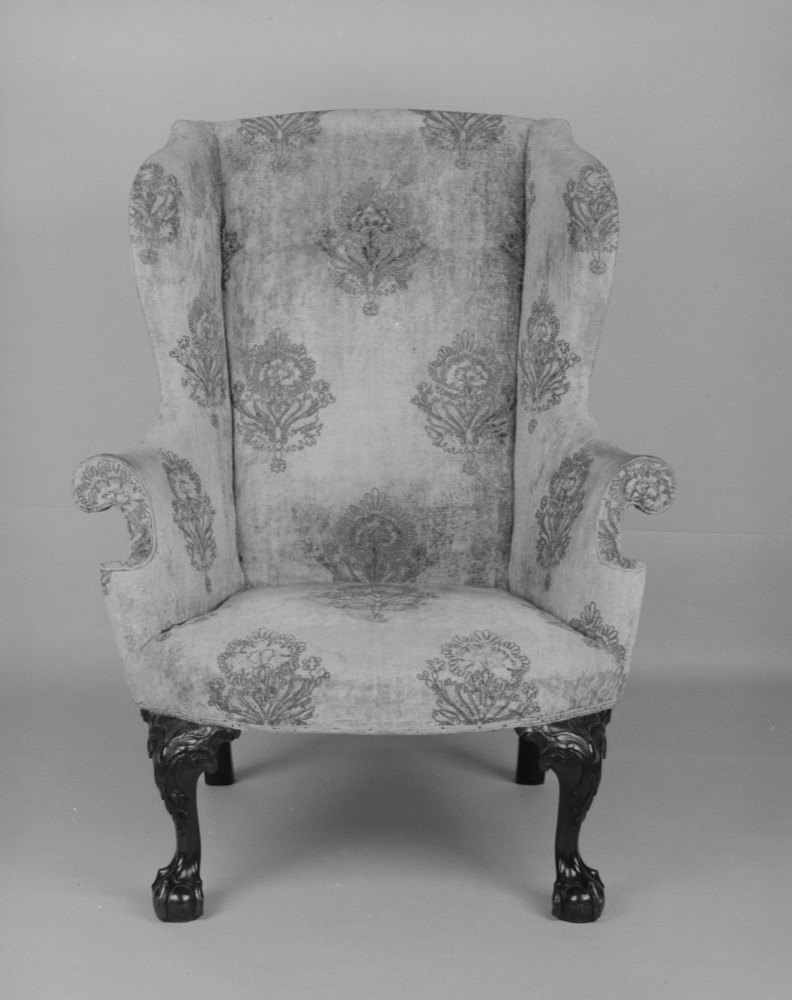
Add 3D to every product, from the photos you already have
ArtUp: 3D Models & AR Room makes a 3D model from each product photo inside your Shopify admin, lets you accept or regenerate it, adds it to the product's media, and lets shoppers place several products together in their room.
Coming to the Shopify App Store — until then the first button opens the app's page.
Questions
Does Shopify charge extra for 3D models in product media?
3D models are a standard product media type in Shopify, like images and video; Shopify's help pages on 3D media don't list a separate fee. The cost is getting the model.
How much does a 3D artist charge per furniture model?
It varies with the item's complexity, the detail you need and the artist; we haven't found a source we trust for a typical figure. Ask several artists for a quote on the same product.
Do I need an app to show AR?
Not for one product at a time: Shopify themes show a 3D model and open AR on iPhone and Android. Apps add things like making the model from a photo or placing several products together.