 ArtUp Labs
Published 2026-10-08 · Last checked 2026-10-08
Try it now
One free preview per person per day, while the free previews last. No sign-up, no card.
How it works
- Upload one product photo. JPEG, PNG or WebP up to 5 MB: one item, plain background, the whole item in the frame.
- Wait about 3–4 minutes. The page shows the progress and a timer. You can copy the link and come back later; it works for 7 days.
- Rotate the model and view it in AR. Drag to rotate. On a phone, View in your room opens AR on Android and iPhone.
- Download the GLB. Upload it to the product's Media in your Shopify admin; Shopify shows it in 3D and AR.
What you get
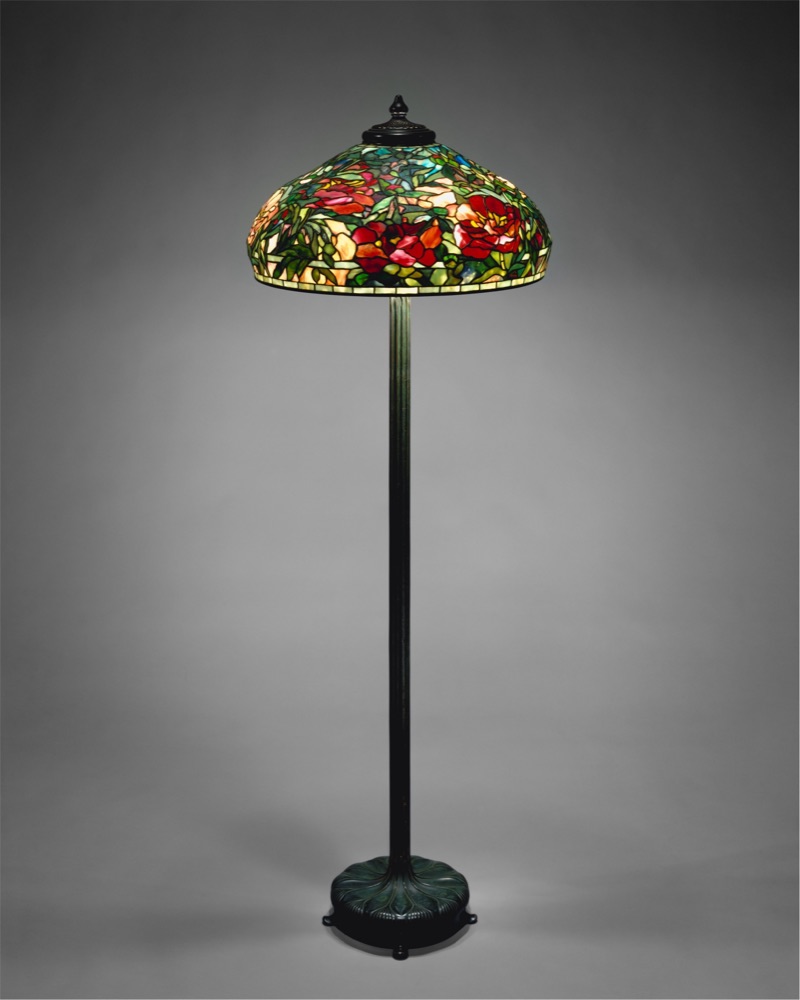
A textured 3D model like this one, made from a single photo with no manual edits.
The fine print
- Time: generation took 135–209 seconds per model in our tests, plus a short optimization step and any queue.
- Size in AR: approximate — a photo doesn't carry real dimensions. In the app you set each product's real height.
- Limits: glass, mirrors, very thin legs, detailed fabric and glossy finishes come out worse. What works and what fails.
- Your photo: used only to make the preview; the photo and the model are deleted after 7 days. An email is optional: we email you the link once, when the model is ready, and delete the address with the job after 7 days.
From one preview to the whole catalog
The free preview is one model. The app does the same for every product, from the photos already in your store, with a review step before anything goes live — and lets shoppers place several products together in their room.
Add 3D to every product, from the photos you already have
ArtUp: 3D Models & AR Room makes a 3D model from each product photo inside your Shopify admin, lets you accept or regenerate it, adds it to the product's media, and lets shoppers place several products together in their room.
Coming to the Shopify App Store — until then the first button opens the app's page.